Web interface
The web interface provides the same assessment workflow in a browser-based form, with built-in history tracking and visual reports.
Starting the web app
git clone https://github.com/devops-maturity/devops-maturity.git
cd devops-maturity
pip install nox
nox -s preview
Open http://127.0.0.1:8000 in your browser.
Workflow
- Register or log in (username/password, or Google / GitHub OAuth if configured).
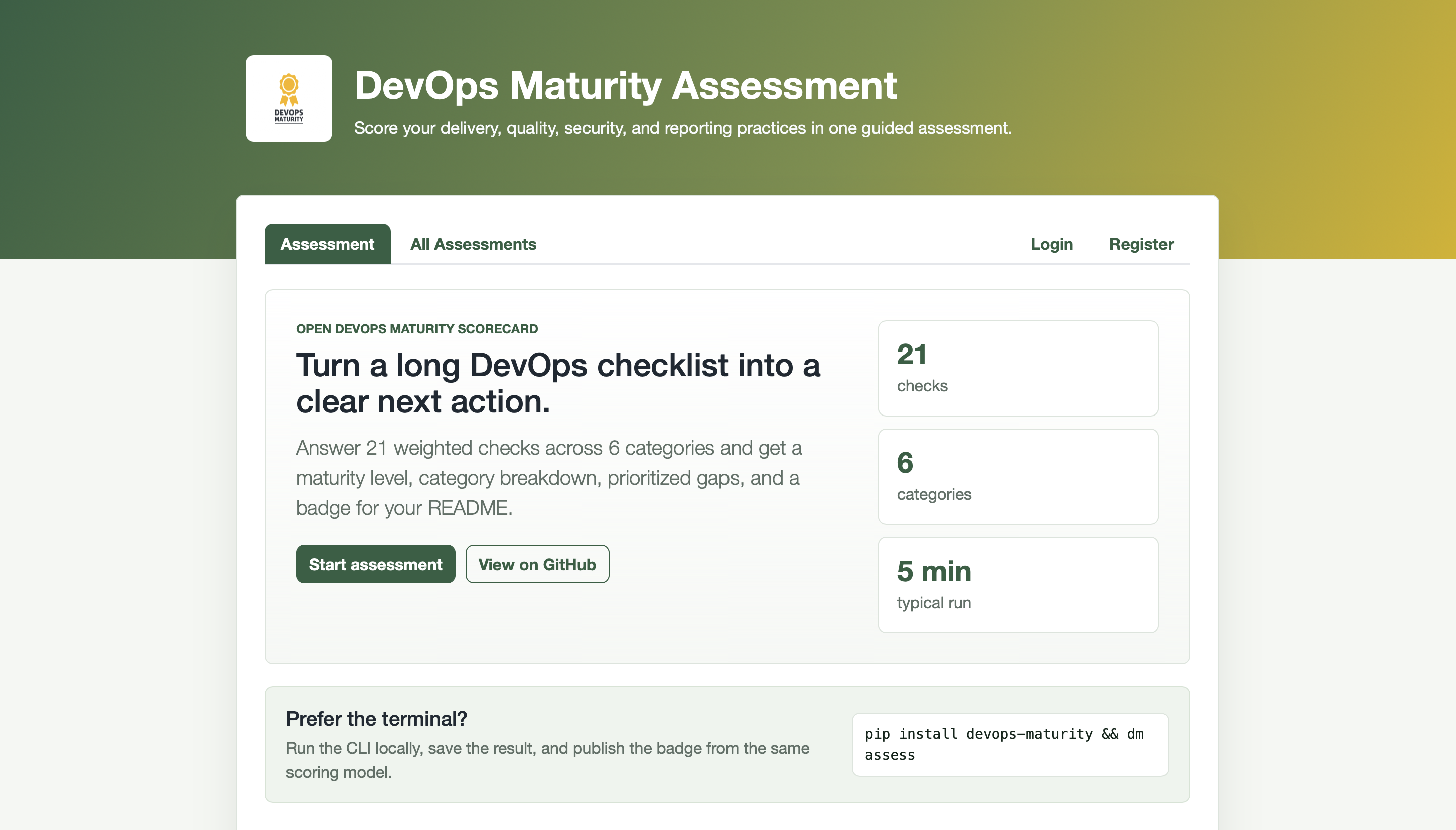
- Open the Assessment tab and enter your project name and URL.
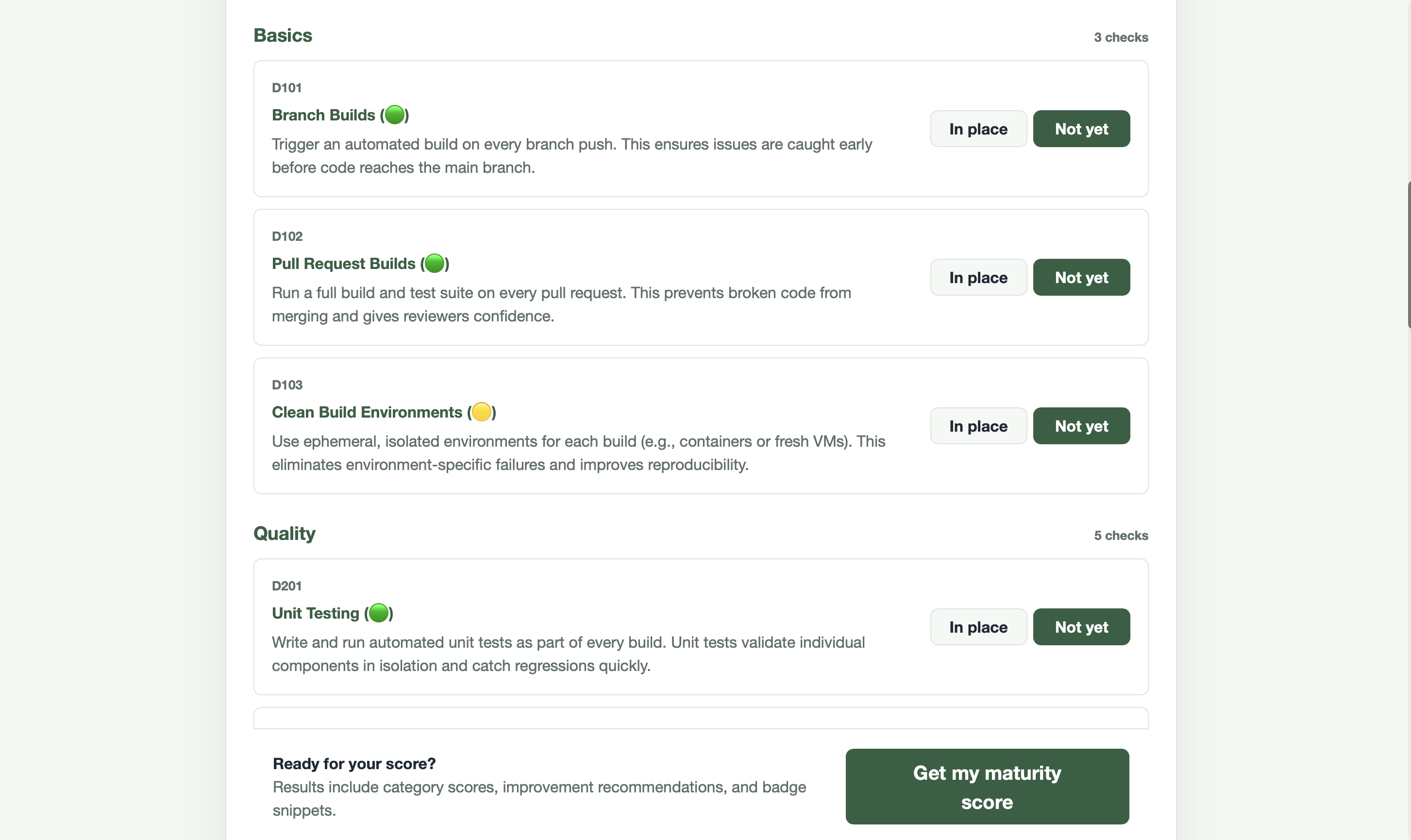
- For each criterion, select In place or Not yet.
- Submit the form to see your maturity score, level, category breakdown, and improvement priorities.
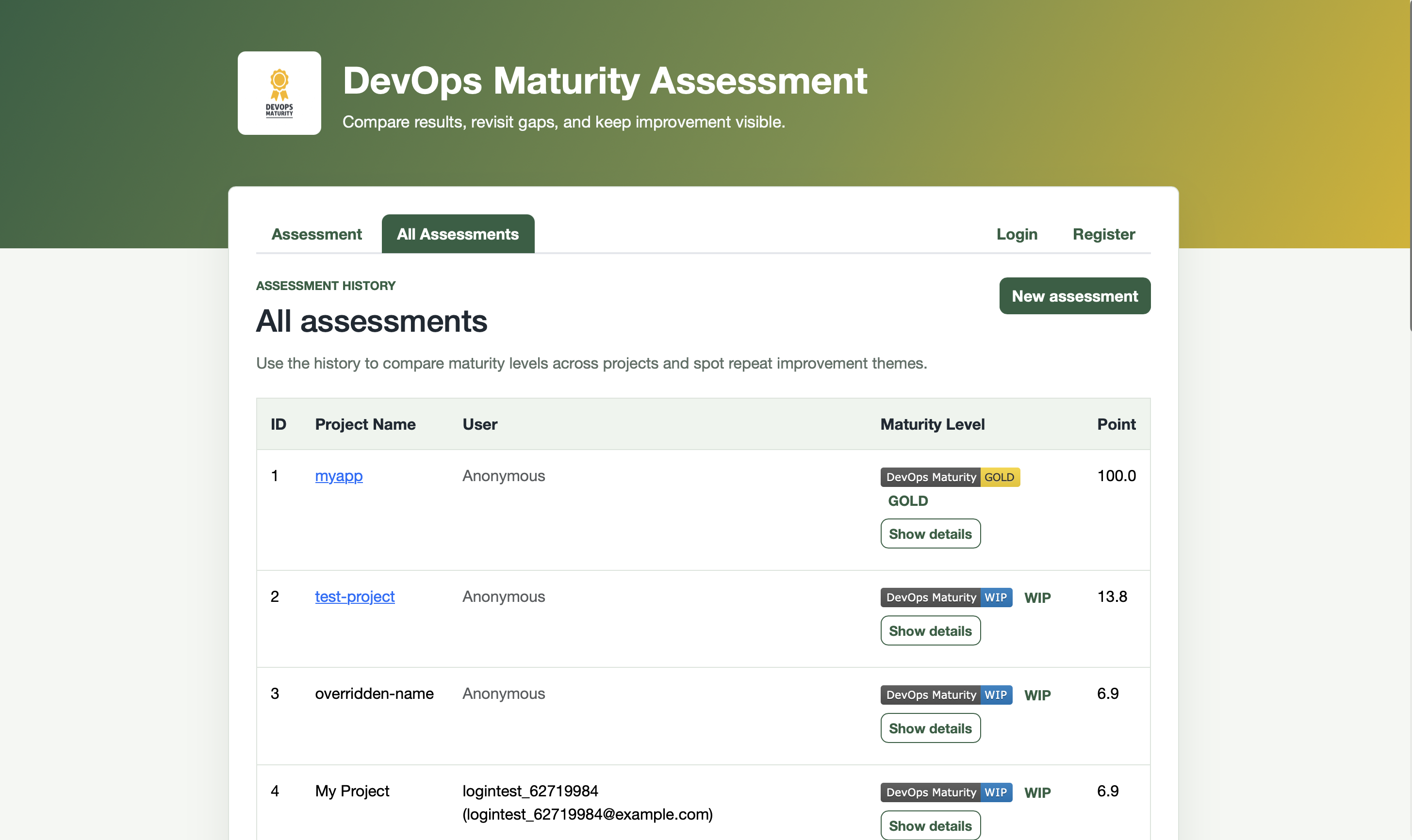
- Visit All Assessments to compare runs and edit historical entries.
Screenshots
Assessment home — enter project details and answer criteria:
Assessment result — score, level, category breakdown, and recommendations:
Assessment history — compare all past runs for a project:
Authentication
By default, users register and log in with a username and password.
Google and GitHub OAuth can be enabled by setting the appropriate environment variables. See Configuration — OAuth for details.